Replacement Corona Discharge Cell - Ozotech
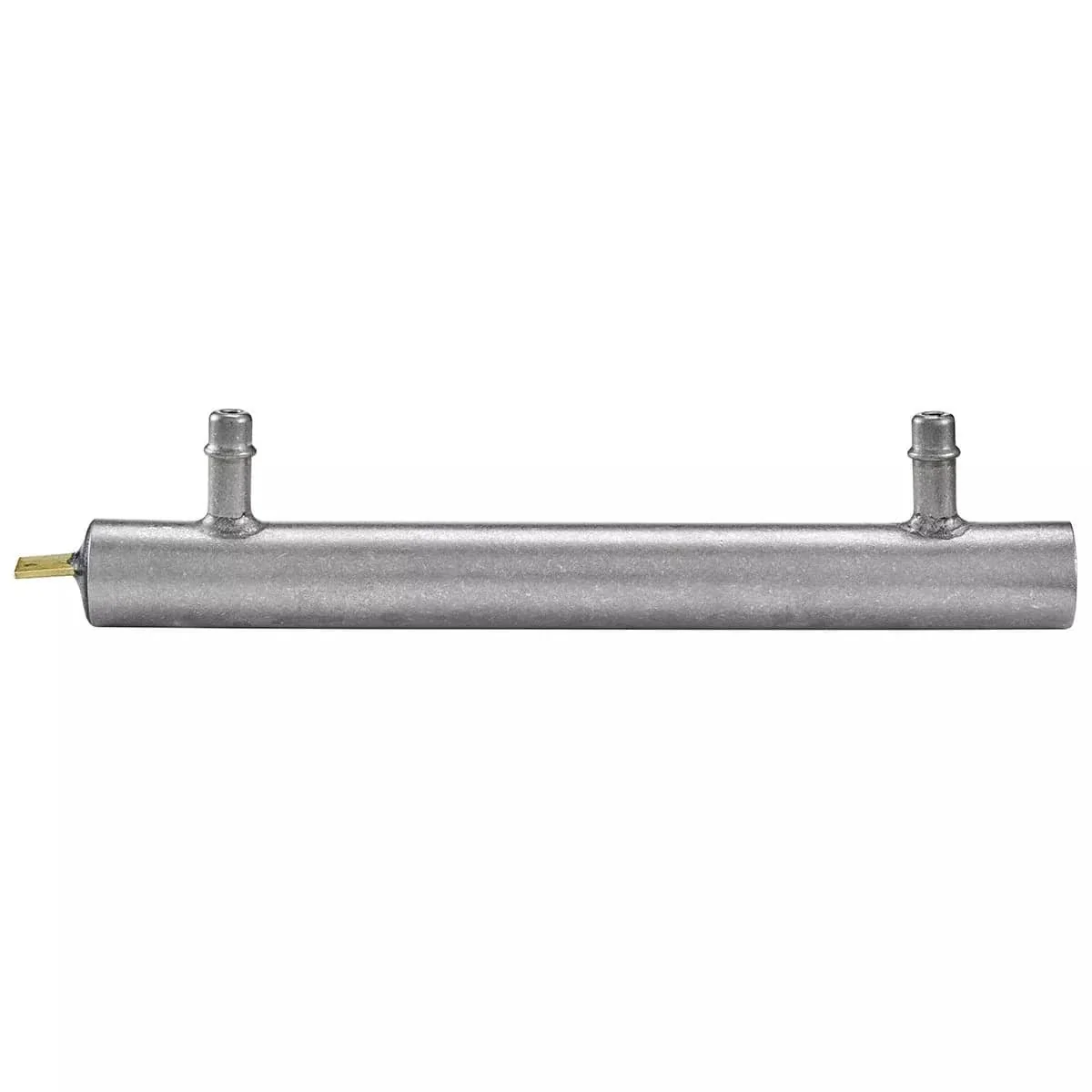
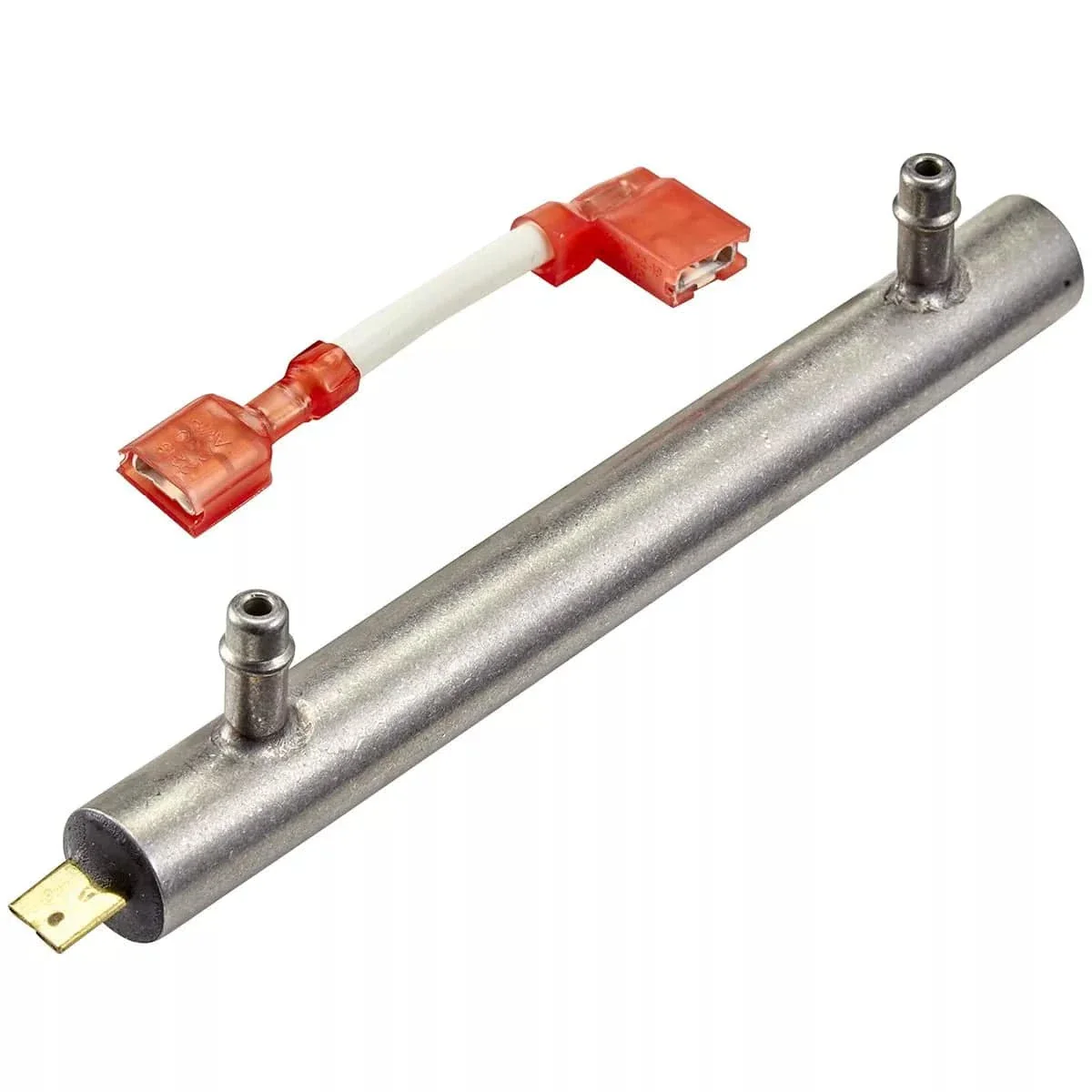
Keep your Ozotech Poseidon 200 Ozone Generator operating at peak performance with this replacement Corona Discharge (CD) cell. Designed for easy installation, this part restores your unit’s ozone-generating efficiency and extends its service life.
Replacement Instructions:
Important: Always unplug the power supply before servicing your ozone generator.
1. Remove the unit’s cover.
2. Disconnect electrical connections from the CD cell.
3. Remove any shipping ties securing the old CD cell.
4. Detach air inlet and ozone outlet hoses from the barb fittings.
5. Gently pull the CD cell upward to release it from the retaining clips.
6. Install the new CD cell by reversing the above steps, ensuring all air and electrical connections are secure.
Original: $99.99
-65%$99.99
$35.00Product Information
Product Information
Shipping & Returns
Shipping & Returns
Description
Keep your Ozotech Poseidon 200 Ozone Generator operating at peak performance with this replacement Corona Discharge (CD) cell. Designed for easy installation, this part restores your unit’s ozone-generating efficiency and extends its service life.
Replacement Instructions:
Important: Always unplug the power supply before servicing your ozone generator.
1. Remove the unit’s cover.
2. Disconnect electrical connections from the CD cell.
3. Remove any shipping ties securing the old CD cell.
4. Detach air inlet and ozone outlet hoses from the barb fittings.
5. Gently pull the CD cell upward to release it from the retaining clips.
6. Install the new CD cell by reversing the above steps, ensuring all air and electrical connections are secure.